
AssetWise - Asset Management & Tracking Template
Track company equipment, assign assets to employees, monitor depreciation, and get AI-powered insights from a single dashboard
LOLovable
·
Key Highlights
Full asset lifecycle management
Log every piece of hardware with purchase details, condition notes, serial numbers, and categories. Track assets from purchase to retirement.
Employee assignment tracking
Assign assets to employees with dates and notes. Track full assignment history including returns and see current assignee on each asset.
Automatic depreciation calculations
Straight-line depreciation based on purchase cost, useful life, and residual value. View current book values and percentage depreciated.
AI-powered chat assistant
Ask natural language questions about your inventory — find assets by category, check who has what, or analyze depreciation trends.
CSV bulk import and export
Bulk import assets from CSV files. Export your full asset inventory to CSV for external reporting or backup.
Role-based access control
Three roles — admin, moderator, and user — control who can configure the system, manage operations, and browse inventory.
Features & Capabilities
Production-ready features built with modern tech stack for exceptional performance and user experience
Real-time dashboard
Asset CRUD with categories
Depreciation tracking
Employee management
Asset-to-employee assignments
AI chat assistant
CSV import and export
Search and filtering
Asset detail view
Authentication
Row-level security
Role-based access control
Settings page
Responsive design
Customizable branding
Loading live preview...
About this template
This template gives you a complete asset management system for tracking company equipment from purchase to retirement. Log every piece of hardware with purchase details, condition notes, serial numbers, and categories. Assign assets to employees and maintain a full assignment history.
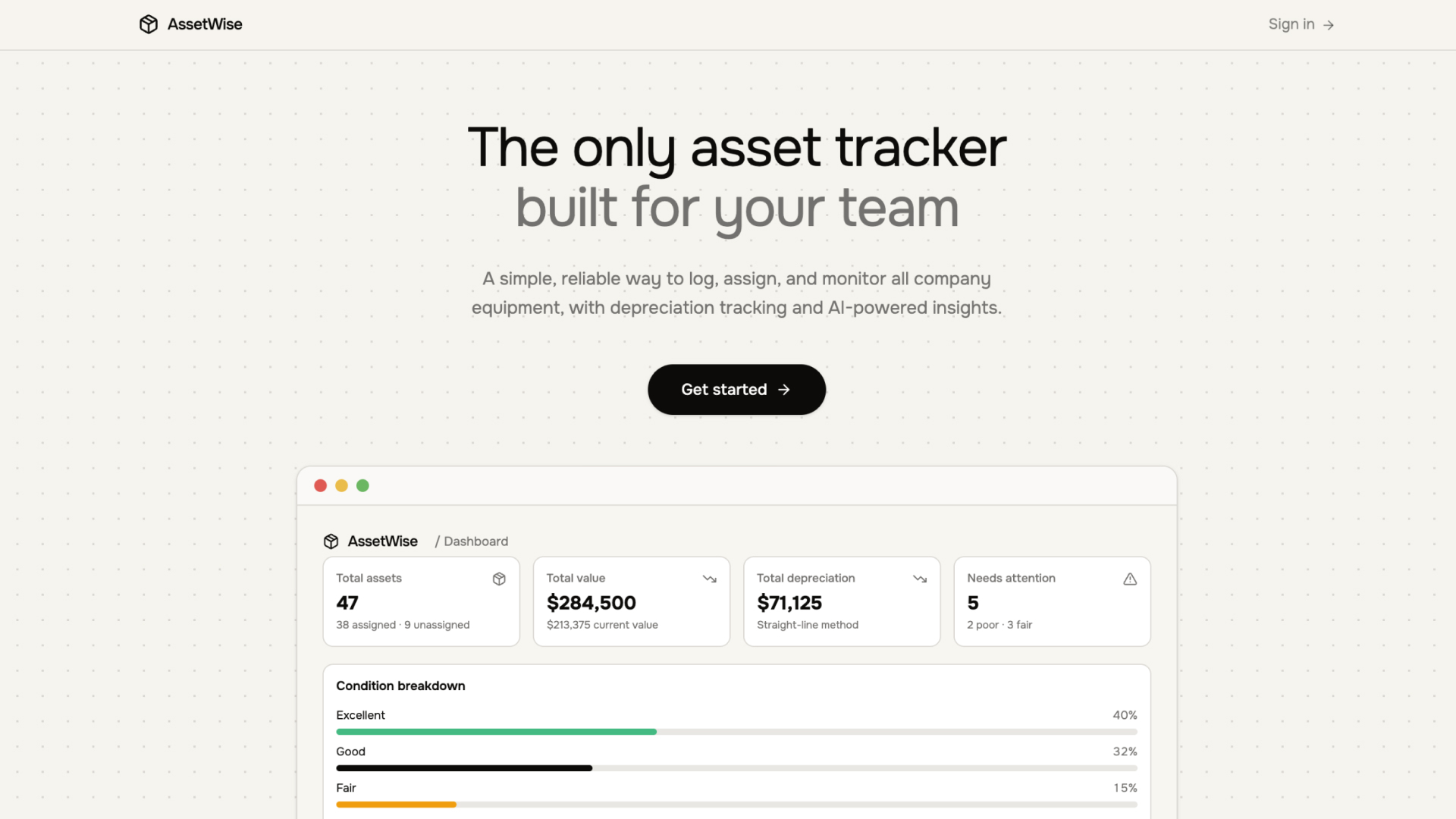
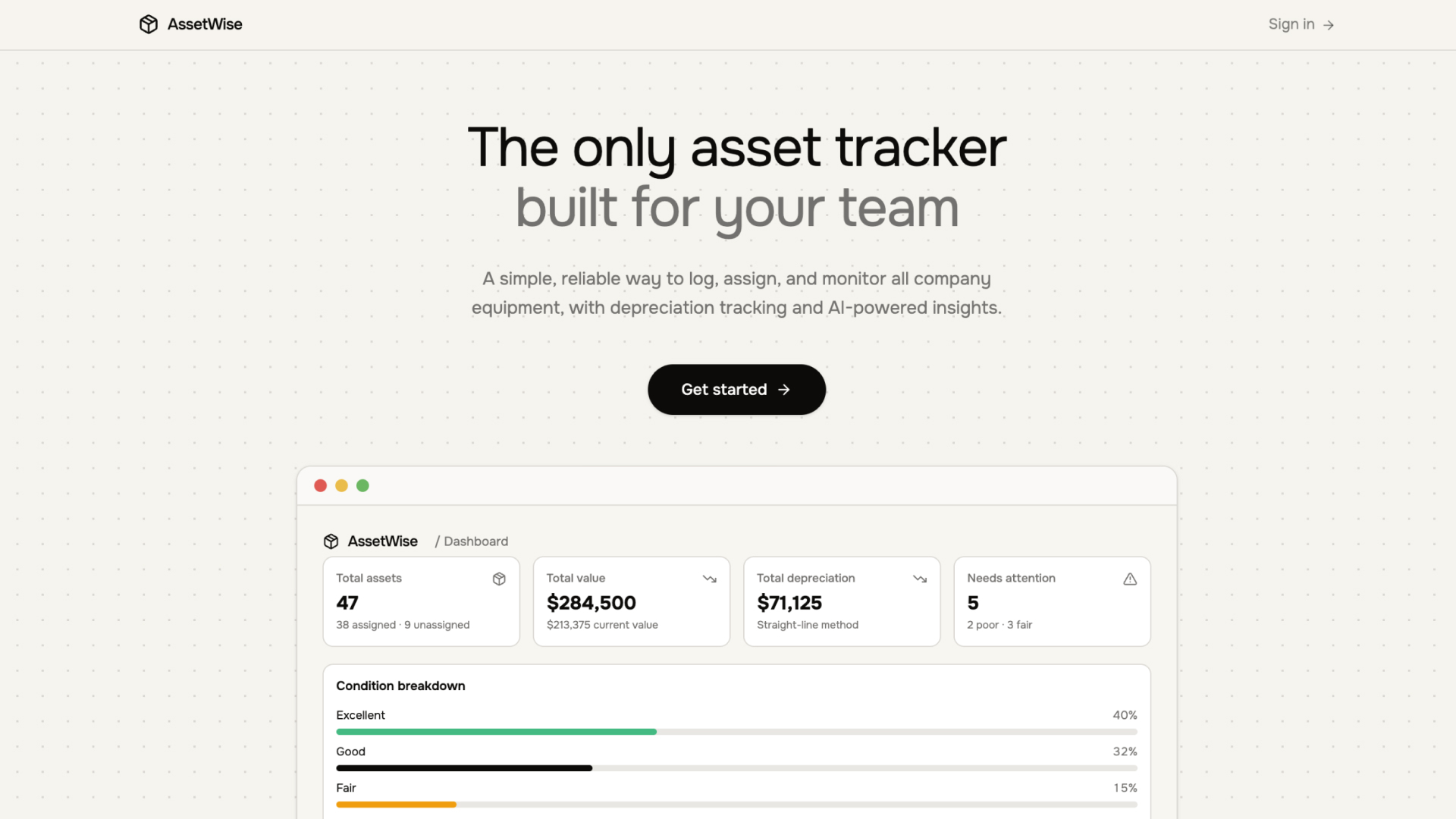
AssetWise automatically calculates straight-line depreciation based on purchase cost, useful life, and residual value. The dashboard shows real-time metrics including total asset value, current book value, condition breakdowns, and recent activity.
The built-in AI chat assistant lets you ask natural language questions about your inventory — find assets by category, check who has what, or analyze depreciation trends. Bulk import assets via CSV or add them one at a time through the form interface.
Authentication is built in with email-based signup, login, and password reset. Row-level security ensures each authenticated user's data is protected. An admin role system supports granular access control across all tables.
Who This Is For
IT managers tracking hardware assignments across departments and remote teams
Office managers keeping inventory of furniture, equipment, and supplies
Operations teams monitoring asset condition, depreciation, and replacement schedules
Finance teams needing accurate book value calculations for reporting
Startup founders managing a growing equipment inventory without dedicated tools
Best Use Cases
IT Equipment Tracking
Track laptops, monitors, phones, and peripherals across your organization. Assign devices to employees, monitor condition, and know exactly when assets are due for replacement based on depreciation schedules.
Office Asset Management
Maintain a complete inventory of office furniture, appliances, and shared equipment. Log purchase details, track condition over time, and plan budgets using depreciation data.
Depreciation Reporting
Automatically calculate straight-line depreciation for every asset. View current book values, percentage depreciated, and fully depreciated items. Export data for financial reporting.
Employee Onboarding and Offboarding
See which assets are assigned to each employee at a glance. When someone joins or leaves, quickly reassign equipment and maintain a full assignment history with dates and notes.
Getting Started
Step 1: Remix This Template
Click "Remix" to create your copy. You'll have a working asset management app you can explore before adding your own data.
Step 2: Familiarize Yourself With the Project
Go to User > Settings > Knowledge, and read what's under "Project knowledge" to understand the intended architecture and access control model. You can also ask Lovable in the chat for more details.
Step 3: Customize Your Brand
Update colors, fonts, and your company name. The design system uses semantic tokens so you can adjust the look across the entire app from a single file.
Step 4: Add Your Assets
Enter equipment details including name, category, purchase cost, purchase date, condition, and serial number. Use the CSV import to bulk-load existing inventory data.
Step 5: Add Employees and Assign Assets
Create employee records with name, department, and email. Then assign assets to employees with assignment dates and notes.
Step 6: Go Live
Deploy with one click and share with your team. Lovable handles hosting and performance.
Step 7: Iterate and Make It Yours
Continue building and make any changes to the app to suit your team's exact preferences and workflows.
Conclusion
This asset management template works for IT managers, office managers, and operations teams who need full visibility into company equipment. You get a real-time dashboard, depreciation tracking, employee assignments, AI-powered search, and CSV import/export in a template you can deploy in minutes. Whether you're tracking laptops across a distributed team or managing office furniture depreciation schedules, AssetWise replaces the spreadsheet you've been maintaining manually.
Related Templates